Study mode
Memorize first, race the clock later.
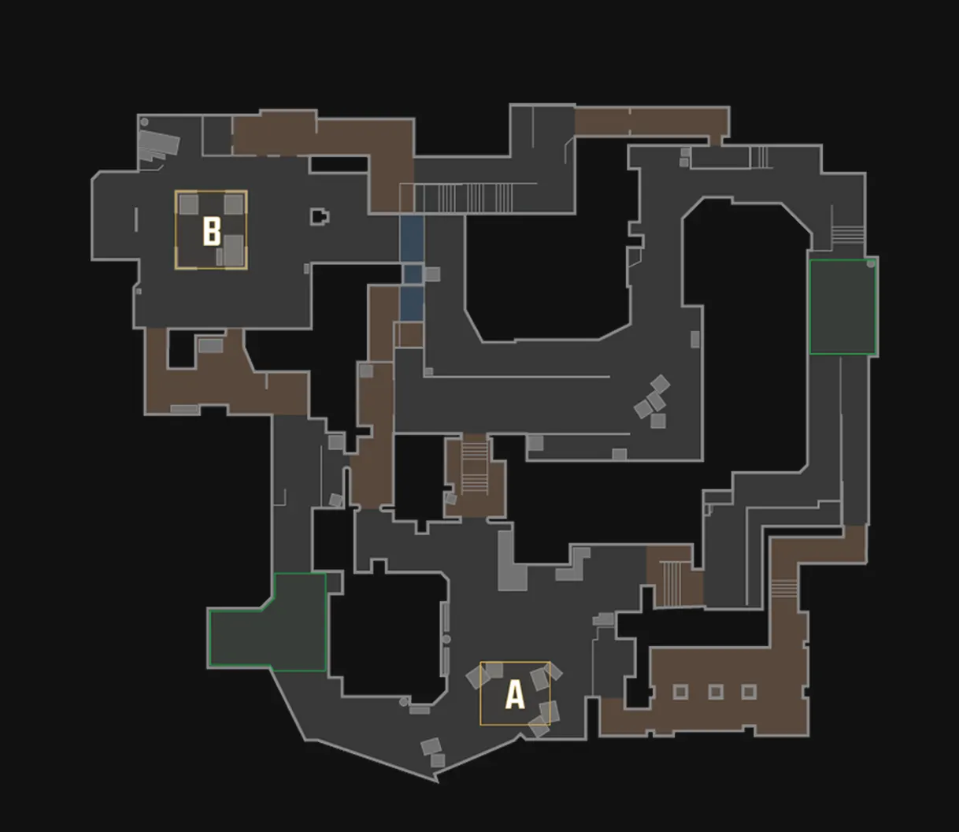
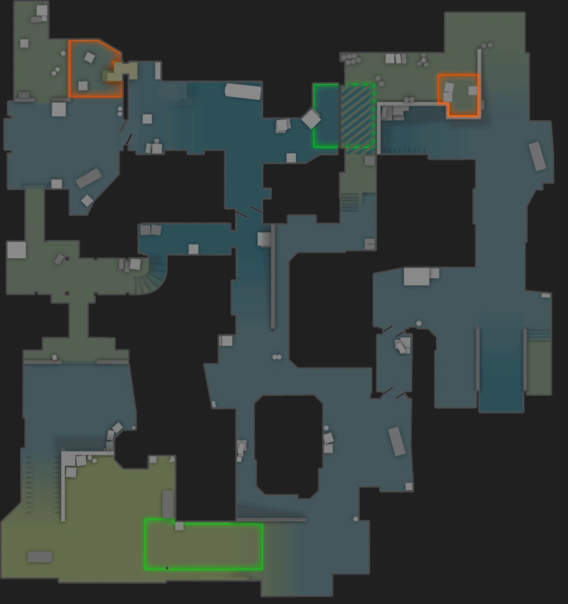
Study mode is the CSGeoguesser warm-up. No timer, no scoring — each flashcard shows the screenshot, the answer callout, and the minimap position with a glowing dot. Step through every spot on a map at your own pace, then jump to the timed game once the patterns click.
Pick a map to study
Maps without seeded screenshots don’t have a study deck yet — drop callout screenshots and they’ll auto-light.
How study mode differs
- No timer. Read the screenshot, look at the answer, internalize the landmark.
- Answer up-front. The callout name and minimap dot are visible from the start, so this is recognition training, not testing.
- Studied checkmark. Mark a spot studied to skip it on subsequent flashcard runs. Stored per-map in localStorage.
- Best for cold maps. If you’ve never played a CS2 map (or its CSGeoguesser deck), spend 5 minutes here before opening the timed game.